
IPTV Player Compatibility: Check Your App Before Buying
An IPTV subscription and an IPTV player are not the same purchase. Before paying, match the provider's supported sign-in method to the exact app and device you will use, then test playback, audio and the programme guide. An app appearing in a store does not prove that a particular subscription will work with it.
Commercial disclosure: this website promotes services connected with its publisher. This is a compatibility checklist, not a claim that we tested every device or verified a provider's content rights.
What does “compatible with my TV” actually mean?
Start with the model number, operating system and app version, not just the television brand. Two televisions sold by the same company can use different software. A phone app can also behave differently from its TV counterpart: a small touchscreen button is not necessarily easy to operate with a remote.
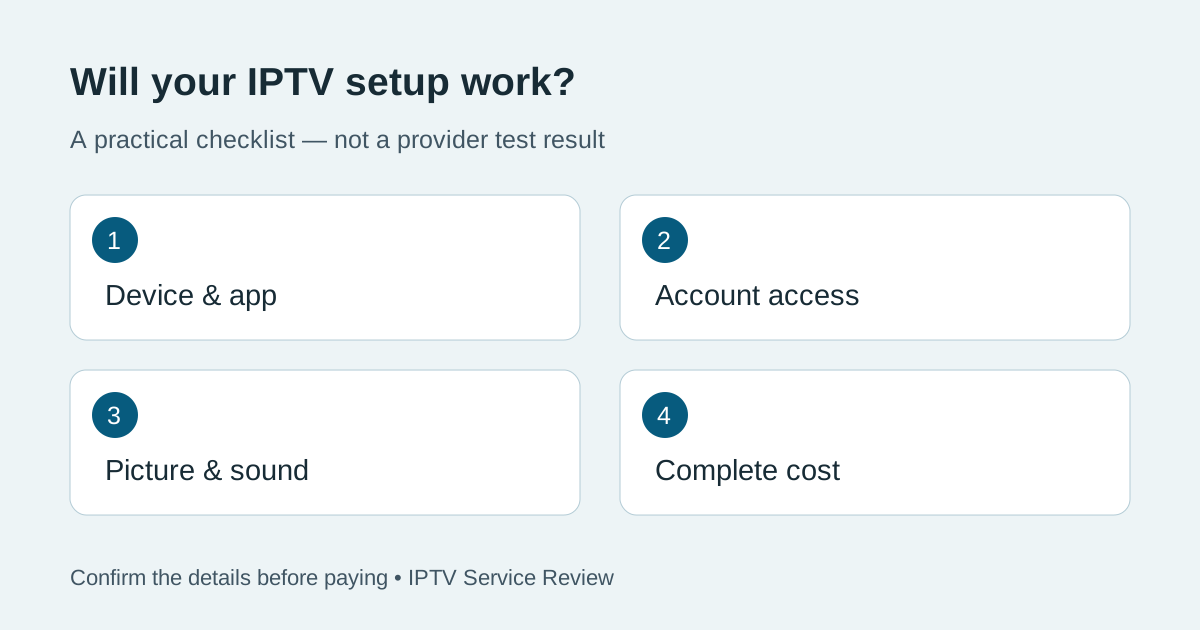
There are four separate questions. Can you install the supported app? Can that app accept the account information supplied by the service? Can the device play the stream correctly? Are the features you need included in the app licence and subscription? A yes to the first question does not answer the other three.
Match the sign-in method before buying an app
| What you receive | What to check | Common misunderstanding |
|---|---|---|
| A playlist URL or file | Whether the exact app accepts that format and whether guide data is supplied separately | Importing a list does not prove every item will play |
| Server address, username and password | The provider's named login method and the corresponding option in the app | Your billing password may not be your viewing password |
| A provider-specific application | Official download location, supported device models and update instructions | Another app with a similar name may not be the same product |
| A browser player | Supported browsers, device limitations and features available on the web | Browser access does not automatically include casting or offline downloads |
Do not convert or guess credentials to make them fit an unrelated sign-in form. Ask support to identify the correct method. Keep passwords and full playlist links out of public comments, screenshots and online playlist-checking websites: a link can contain account information.
Run a short IPTV player compatibility test
Use a trial, if offered, on the device you intend to keep using. These are proposed checks for your own test, not results from our laboratory. Write down the outcome instead of relying on the first channel that opens.
- Installation and navigation: install from the developer's official source or the device's supported store. Check that the remote can reach settings, search and playback controls.
- Account access: sign in using the supplied viewing credentials. Record any error message without recording your password.
- Picture and sound: try representative content you are authorised to access. Check audio, subtitles and picture separately; one working stream is not a complete compatibility test.
- Guide and clock: compare programme times with the actual local time. Ask whether a separate EPG address or time-zone setting is needed.
- Restart: close the app, reopen it and restart the device. Confirm that settings and favourites persist if the app promises this feature.
- Household use: if you need more than one screen, confirm both the subscription's simultaneous-stream allowance and any separate app-licensing limits.
Android's official media-format documentation distinguishes codecs, containers and network protocols, and notes that support can vary on device types other than phones and tablets. That is why “Android compatible” is not enough evidence for a specific television. Ask for confirmation of your model and test it rather than assuming all Android devices behave identically.
If the list loads but the video does not play
Treat the symptom as a clue, not proof that you need a more expensive plan. First confirm that the account is active and that you have not exceeded the permitted number of streams. Then check whether the problem affects every item or just one. If sound works but the picture does not, report that distinction to support along with the device and app versions.
Change only one supported setting at a time so you can identify what helped. Do not disable device security or install an unknown “codec fix.” If the provider recommends a second official app, ask whether switching requires another licence purchase before proceeding. For broader provider checks, see our BexyTV buyer guide and service evaluation methodology.
Separate the subscription price from the player price
Your total cost may include the content subscription, an optional paid player, additional connections and a streaming device. Ask which charges are one-off and which renew. A player upgrade does not itself add channels, extend an expired service account or grant extra concurrent streams.
Hypothetical example: a household buys a plan and then discovers its preferred TV app needs a separate activation. Even if both products work correctly, the original price comparison was incomplete. Write “subscription + app + extra screens” on the comparison sheet and fill in confirmed amounts before checkout. Do not assume a trial's features exactly match every paid tier.
A message you can send before subscribing
I use [device model], [operating system] and [app/version]. Which sign-in method do you supply? Is this exact setup supported? Are app activation, guide data and [number] simultaneous screens included? Can I test this setup before paying, and what are the renewal and cancellation terms?
Save the reply with the date. An unclear answer is a reason to investigate, not to fill the gap with an assumption. When comparing a reseller's answer with an upstream provider's terms, our provider-versus-reseller guide explains the separate roles.
Ready to compare a supported setup?
Visit TereaTV for current subscription plans, supported devices and setup information. Confirm your exact device and the terms above before ordering; the link is a commercial option, not a guarantee of compatibility.
Quick answers
Does paying for an IPTV player include an IPTV subscription?
Do not assume so. Check the listing: player software and access to content may be sold separately. The invoice should make clear what you are buying.
Will a working phone login also work on my television?
Not necessarily. The TV app may support a different login method, device environment or licence. Test the actual television before committing.
Does a successful trial prove long-term reliability?
No. It confirms only the conditions and features you actually checked during that trial. Keep the test record and compare the paid plan's terms separately.