
IPTV Player App Updates: What to Check Before Renewing
An IPTV player update is a reason to recheck your setup, not proof that the subscription itself changed. Before renewing or switching services, identify which app you use, where it came from, and whether a recent update affected sign-in, the programme guide or playback on your actual TV.
Commercial disclosure: Our publishing group operates subscription services linked from this guide and may benefit from a purchase. This is an editorial checklist, not a first-hand test of a named player or provider.
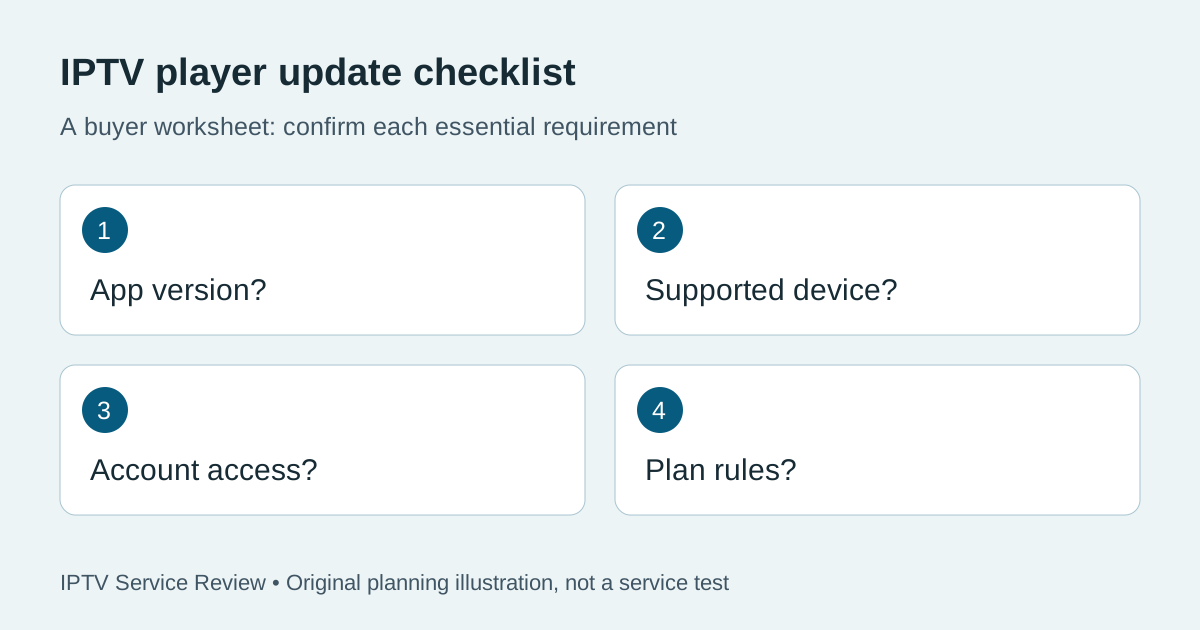
Keep the app and the subscription separate
The player is the software on your TV or streaming device. The subscription is the account and content entitlement supplied by a provider. An app update can change menus or compatibility without changing your paid term; a provider can change account details without releasing a new app. Write down both names before contacting support so the right party can answer.
For a broader pre-purchase check, use our player compatibility checklist. Ask the provider which player and login method it supports for your device model. Do not assume that a store listing or an APK link proves that a particular provider will work with it.
Where should you check an update?
Start with the installation source you already trust. Google explains how to check app updates in the Play Store on Google TV; Apple documents manual and automatic App Store updates on Apple TV. These are instructions for their own platforms, not endorsements of any IPTV app. If your player was installed outside a store, check the developer's own release information and the provider's support instructions before replacing it. Avoid a download link from an unknown message or comment.
Google TV's app-update steps and Apple's app-update instructions are useful for supported store-installed apps. Menu names can differ by device and software version.
A five-minute update record
| Record | Why it matters |
|---|---|
| TV or streaming-device model | Compatibility can depend on the hardware and operating system. |
| Player name and version, if visible | Support can distinguish the old app from the new one. |
| Installation source and update date | Helps identify the release that preceded a change. |
| What changed | “Guide empty” is more useful than “app broken.” |
| One safe comparison | Check another supported device only if your plan permits it. |
If playback fails after the update
First confirm that the device is online and that the same account works through the provider's supported method. Open one item you normally watch and note the exact error. If the app closes unexpectedly, the device maker's normal restart and app-update steps are safer first checks than repeatedly installing unofficial APKs. Google offers Google TV app-crash troubleshooting for that platform.
Do not publish passwords, full playlist URLs or account screenshots while asking for help. Ask support whether the issue concerns the player version, account activation, content entitlement or a known outage. Keep the response and date. An app reinstall may erase saved preferences, so check the official recovery path before removing it.
What to ask before paying
Ask the service for its supported player list, sign-in format, device limit, simultaneous-stream allowance and help route after an app update. If any point matters to your household, request the answer in writing and test it during an available trial. Our trial-to-paid checklist helps compare what you actually tested with the plan you will buy.
Check the current TereaTV trial terms if you want to evaluate one commercially linked option. Check current eligibility and order terms on that page; we do not promise a specific trial, channel or device result here.
Questions readers ask
Does updating the player renew my subscription?
No. Check the provider's separate billing and account terms; an app update alone is not proof of renewal.
Should I use an APK from a search result?
Prefer the supported store or the developer's documented distribution route and verify the source with your provider. An unfamiliar download link is not evidence of compatibility or safety.
What should I send support?
Send device model, app version if visible, update date, the exact error and the affected feature. Keep passwords and full account credentials private.
Can a working trial prove future app compatibility?
It shows what worked in that session on that setup. Ask how the provider handles later app changes and which alternative supported players exist.